01 / Your usual number
Start with the number people know.
Customers keep calling your existing business number. Activate missed-call forwarding in AnswerCraft on the mobile phone you want to connect, using the instructions for your carrier.

How it works
Give your next customer a warm welcome, even when you are busy. AnswerCraft greets them professionally and gathers a little about their inquiry, so you can follow up prepared to earn their business.
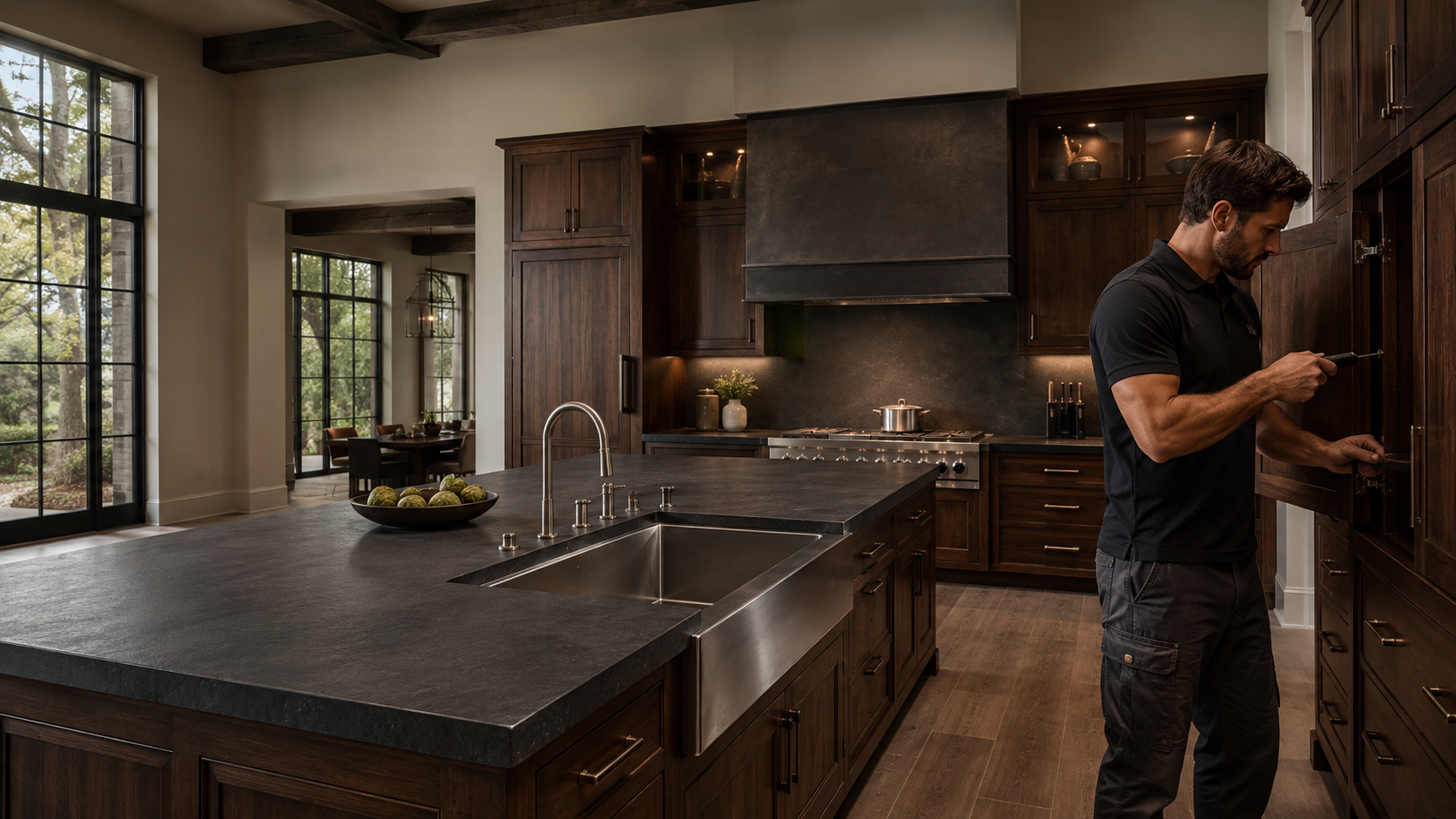
Explore the two call experiences →Illustrative imagery. AnswerCraft provides AI call handling and custom voicemail.
01 / Your usual number
Customers keep calling your existing business number. Activate missed-call forwarding in AnswerCraft on the mobile phone you want to connect, using the instructions for your carrier.
02 / Your welcome
Use custom voicemail to greet and record callers, or choose an AI receptionist to ask the questions you set.
03 / Your follow-up
Review saved messages and caller details in your AnswerCraft portal, then decide who to call back and what to discuss.
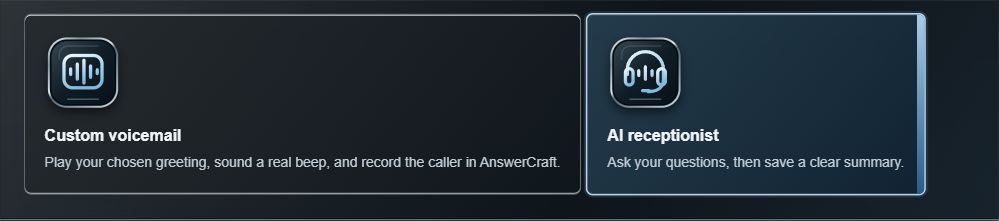 View full size ↗
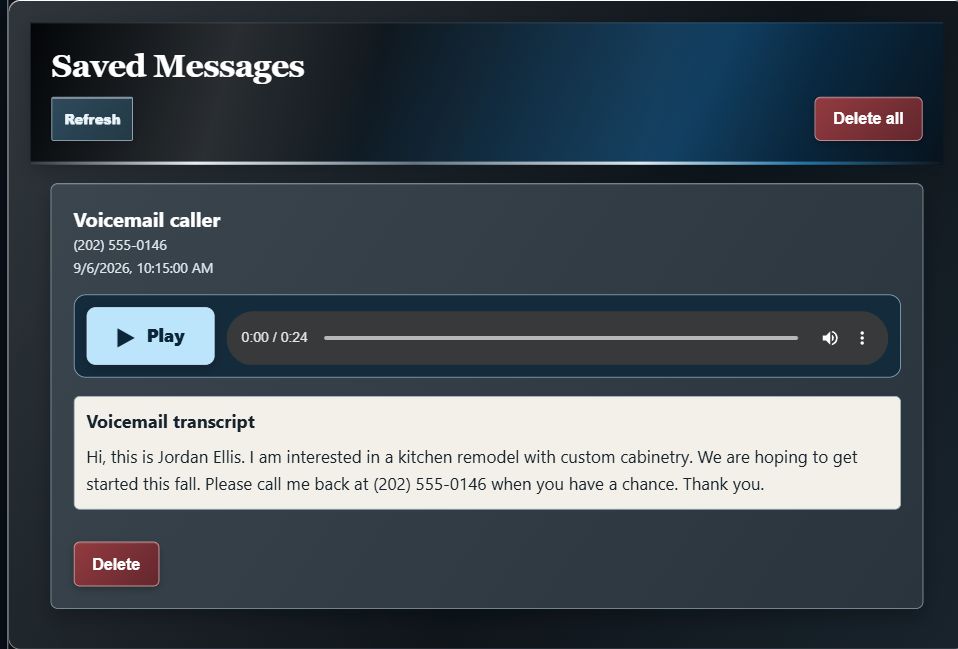
Custom voicemail: A greeting in your chosen voice, followed by a recording of the caller's message.
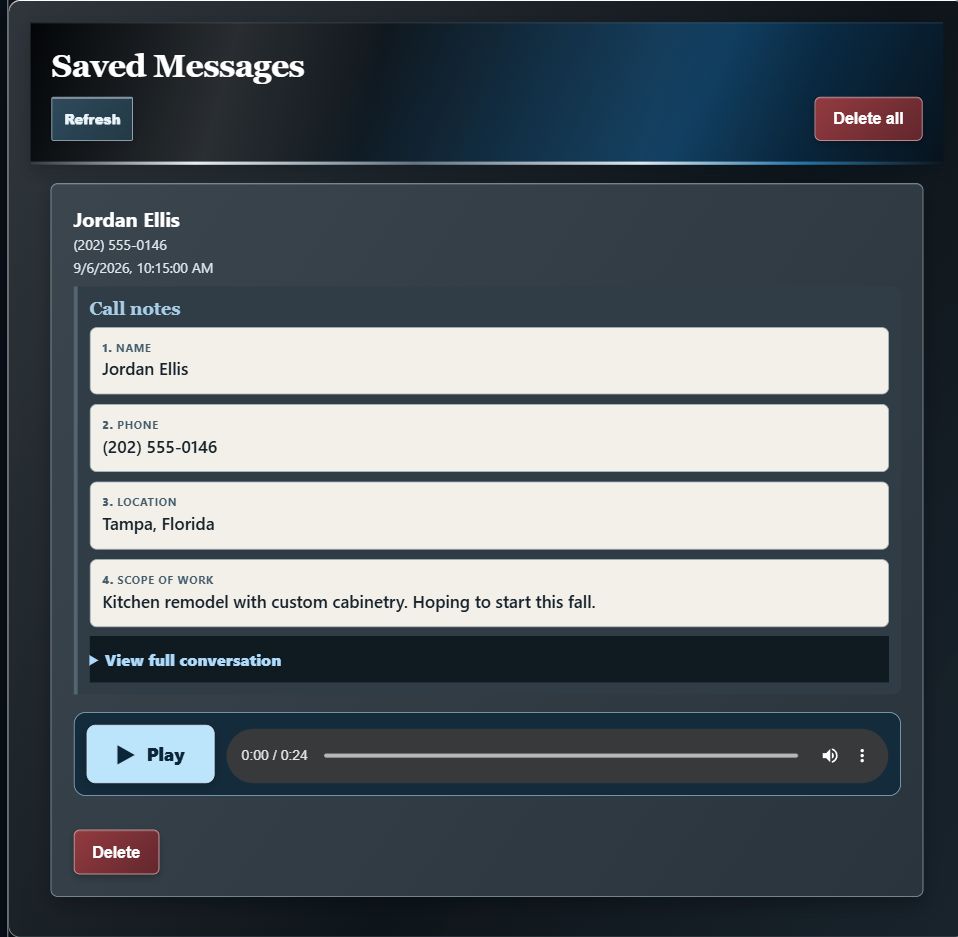
AI receptionist: A conversational greeting and your selected questions, with the caller's answers organized for review.
Choose custom voicemail when you want callers to leave a message in their own words. Choose the AI receptionist when you want to ask for a few details about how you can help the caller.
Make it your own
Start with your business name and a brief welcome. For your AI receptionist, choose questions that help you understand how you can help before you follow up.
Keep the first exchange welcoming and brief: their name, the best way to reach them, and how you can help. You can discuss the details when you reconnect.
Example · Sterling Home Services
“Thank you for calling Sterling Home Services. My name is Samantha. I am your virtual AI receptionist. I would like to ask you a few quick questions so that I can put you in contact with the appropriate member of our team. First, may I have your name?”
Sterling Home Services is a fictional business used to illustrate a greeting and questions you can set in the app.
Inside the app
Explore the screens that take you from your first greeting to your next callback. Tap any image for a closer look.
Make your first impression feel like your business. Choose custom voicemail or an AI receptionist, then shape the experience callers hear.
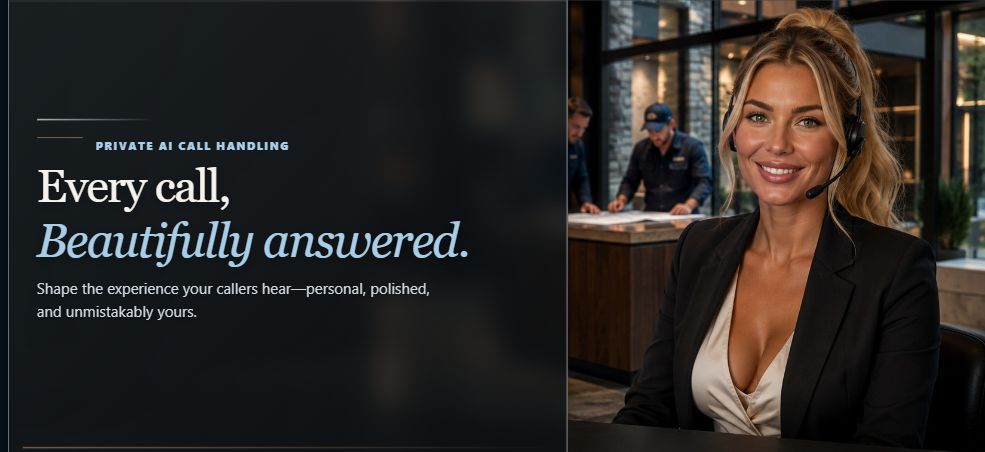 View full size ↗
Start with a personal greeting. Add questions that help you understand the caller, the location, and the work they have in mind.
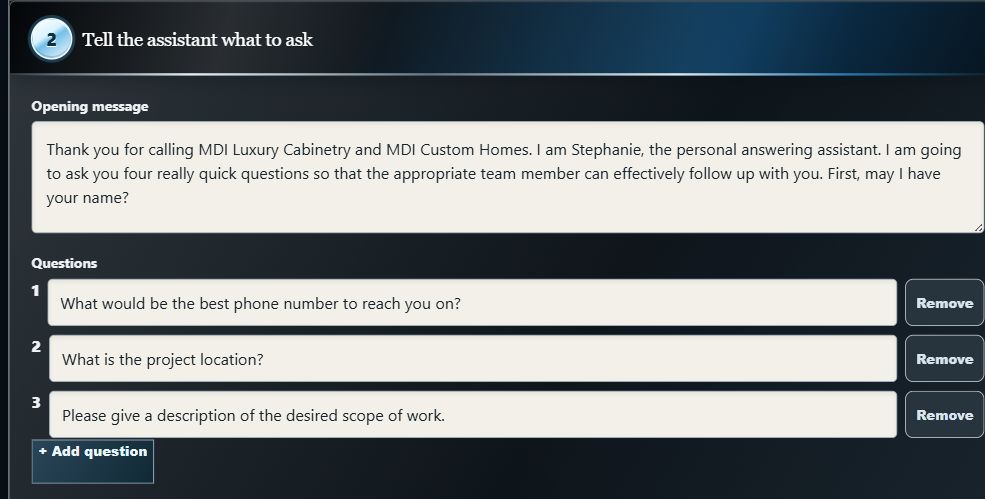 View full size ↗
Browse voice styles and accents, preview your options, and choose the sound you want callers to hear.
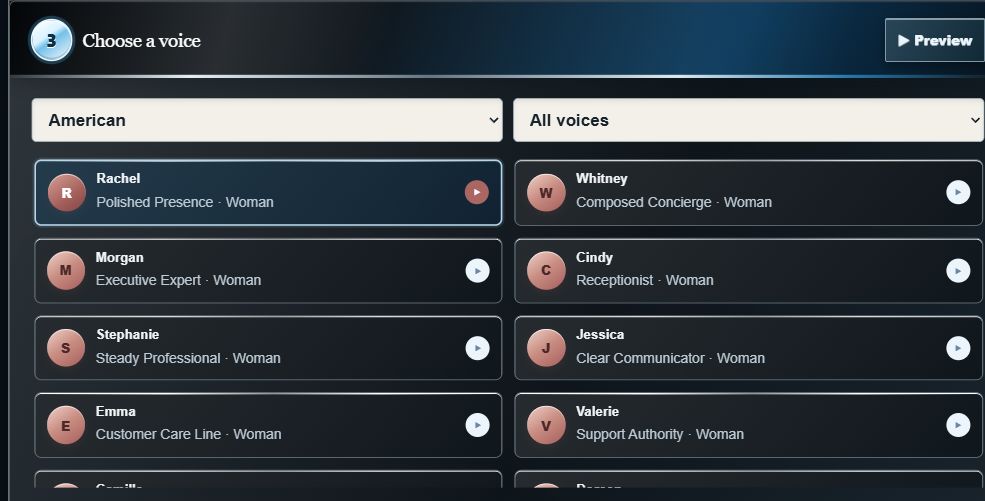 View full size ↗
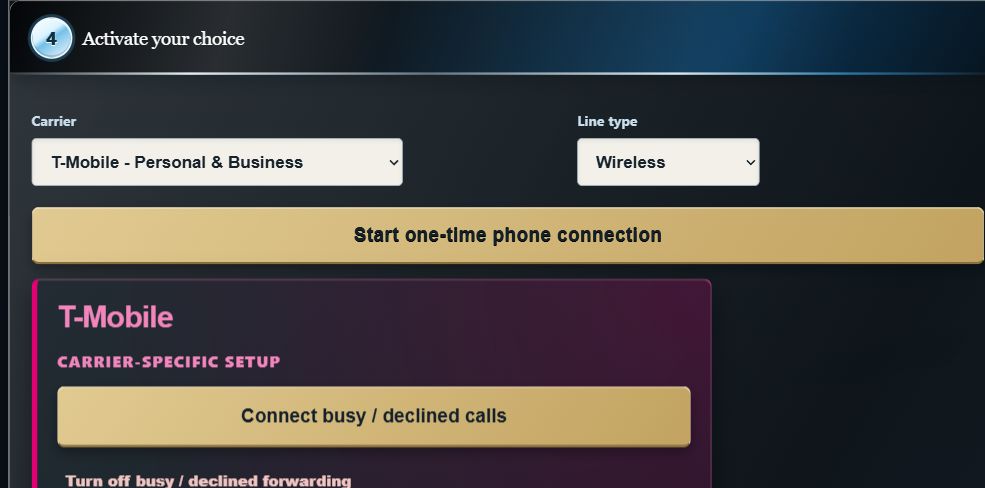
On the mobile phone you are connecting, open AnswerCraft and choose your carrier and line type to see the relevant connection steps. Please use your phone for this activation step. Follow the instructions, then test an unanswered call from another phone.
 View full size ↗
Illustrative app screens. The greeting names MDI Luxury Cabinetry and MDI Custom Homes; caller details, questions, and carrier selection are examples.
Apply for Private Beta →
Be ready for the callback
Set your AI receptionist to ask for the caller’s name, phone number, project location, and scope of work, so you can return the call and be prepared.
Keep AnswerCraft within reach →Saving AnswerCraft to your Home Screen gives you convenient access. Connecting missed calls is a separate setup step.
Follow the phone guide →AnswerCraft gathers information; it does not promise that every caller will leave a message or that every enquiry will become a customer. You stay in charge of estimates, appointments, and the next conversation.
More questions? Start here →Follow the phone setup guide for account access, Home Screen shortcuts, connection checks, and support.
Get setup help →AnswerCraft is in private beta. Apply for an invitation to our private beta. Already a beta customer? Head straight to your portal.